Unblocked Math Games
Twenty-one games where numbers do the real work: timed equation drills, factor puzzles, digit grids and dice scoring. Each one runs in a school browser with nothing to install, and every game on this page works on a touch screen.
- 21 games
- 0 downloads needed
- $0 to play
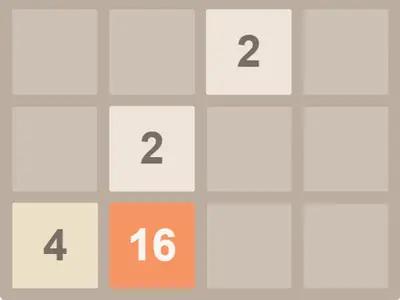 2048MathSwipe a 4x4 grid of number tiles, combine equal pairs and try to build a single 2048 tile.
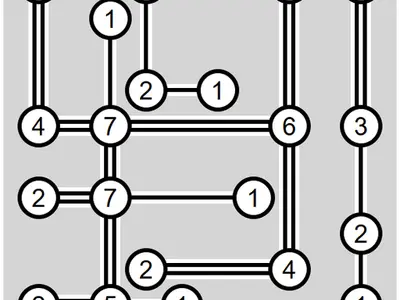 Bridges Island PuzzlePuzzleConnect numbered islands with straight bridges until every count matches and the map is one network.
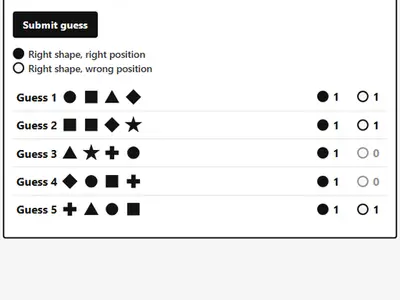 Bulls and CowsMathGuess a secret four-shape code and narrow it down with black and white peg clues.
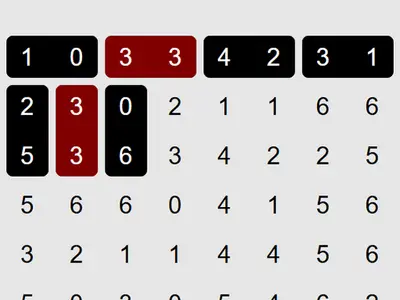 Dominosa Domino LogicPuzzlePlace dominoes over a grid of numbers so each pair from a full set appears exactly once.
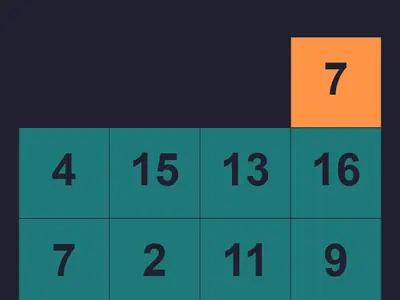 Factors GameMathDrop a number through a grid of tiles, dividing by factors, and try to finish on exactly 1.
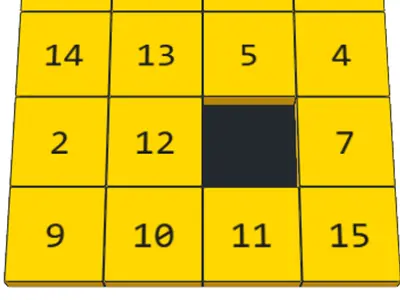 Fifteen SlidePuzzlePut fifteen numbered 3D cubes back in order in a 4x4 frame, with moves and time on a scoreboard.
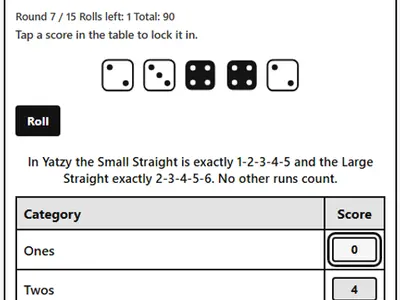 Five Dice ScorecardBoardRoll, hold and reroll five dice to fill a 15-box scorecard with Nordic-style rules.
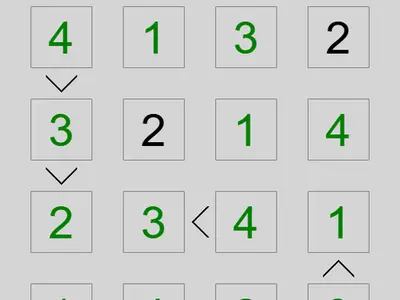 Greater-Than GridMathA number-placement puzzle where tiny greater-than signs between squares are your main clues.
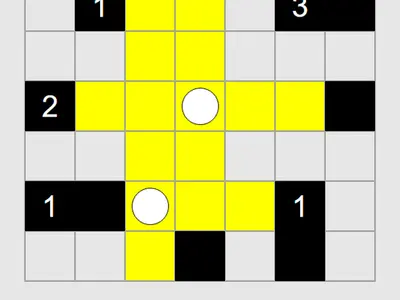 Light Up Lamp PuzzlePuzzleLight every white square with bulbs while keeping lamps out of each other's beams and matching wall numbers.
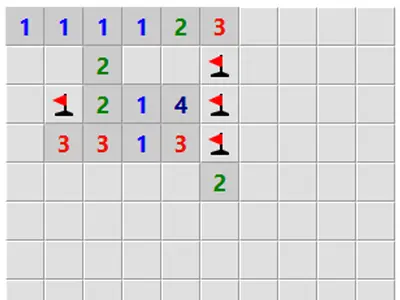 Logic MinesPuzzleA mine-finding grid where the board fights back against guesses, so only solid logic gets you through.
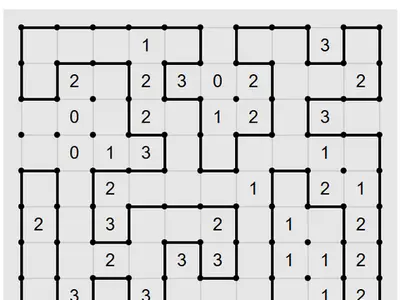 Loopy Loop PuzzlePuzzleTrace one unbroken ring through a dot grid so each numbered cell has exactly that many loop edges.
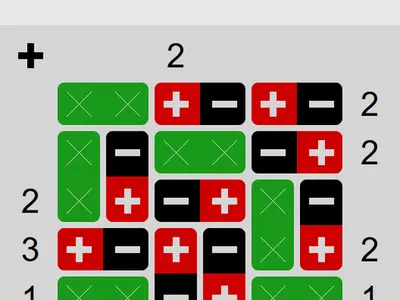 Magnet DominoesPuzzleSort grey dominoes into magnets and blanks, then point each magnet to fit the pole counts on each edge.
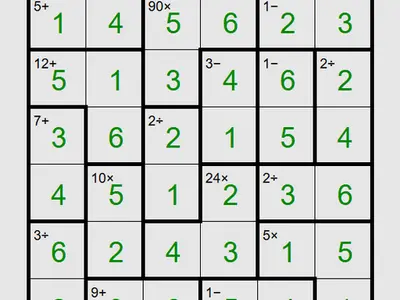 Math Cage GridMathFill rows and columns with no repeats while each outlined cage adds, multiplies, subtracts or divides to its target.
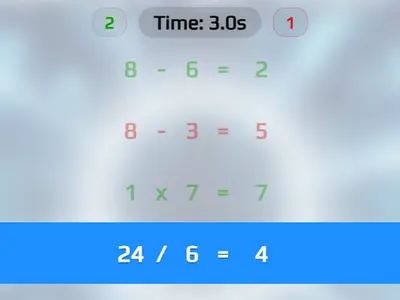 Math Sprint GameMathTap Right or Wrong on each short equation at top speed while keeping mistakes low to protect your time.
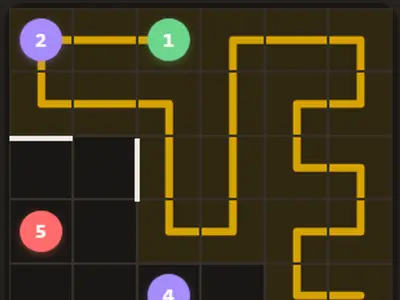 Number PathPuzzleDraw one line that hits the numbers in order and covers every square of the grid exactly once.
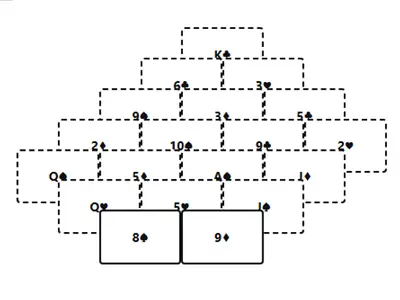 Pyramid SolitaireCardsPair open cards that total 13 to take apart a seven-row pyramid. Kings go alone, and you get two redeals.
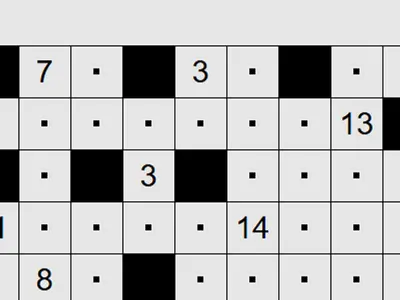 Range Shading PuzzlePuzzleBlack out squares so each number counts the right number of visible white squares, with no two blacks touching.
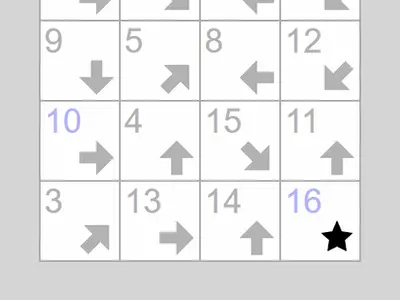 Signpost Arrow ChainPuzzleLink every arrow square into a single numbered path from 1 to the end, following where each arrow points.
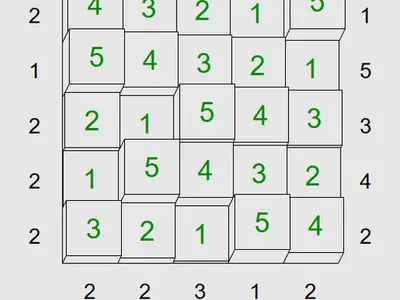 Skyscraper SightlinesMathFill a grid with towers so no height repeats in a line and each edge clue sees the right number of roofs.
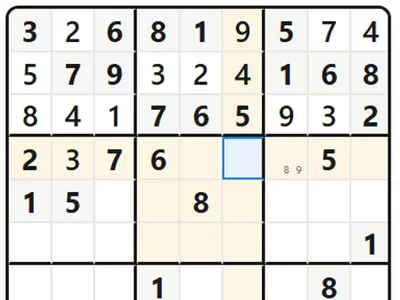 Sudoku FlowMathClassic 9x9 sudoku with pencil notes, tiered hints, a daily puzzle and modes from relaxed to strict.
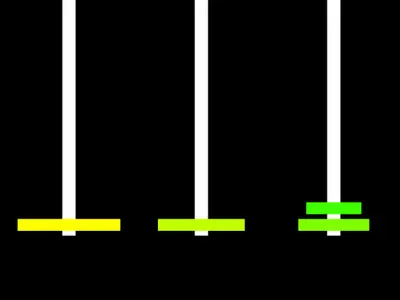 Tower of HanoiPuzzleShift a ring stack peg to peg in as few moves as possible, then add rings to make it harder.
Speed games and thinking games
Math games here fall into two camps. The first tests how fast you can calculate. Math Sprint Game shows a column of short equations, and you tap Right or Wrong on each one. A bad call adds half a second to your final time, so careless guessing costs you. Rounds run from 10 to 99 questions.
The second camp is slower and rewards reasoning. In Factors Game your number falls through a 4x4 grid of tiles valued 1 to 16. Land on a factor and you divide by it. Land on anything else and it gets added. With four drops, you try to finish on exactly 1. There are 256 levels, and the starting number equals the level, so later puzzles begin big.
A starting lineup for newer math players
If arithmetic still feels like work, start with games that hide it inside a goal. 2048 is pure doubling: two 8s become 16, two 16s become 32. Pyramid Solitaire asks you to pair cards that add to 13, with Jacks at 11, Queens at 12 and Kings removed alone. Five Dice Scorecard turns every roll into a small sum, and you earn a 50-point bonus if the top half of the card reaches 63.
These three are calm, have no clock pushing you, and teach number sense without a single worksheet.
Digit grids that run on logic
Once you like puzzles, try the grids. Every row and column holds each digit once, and a second rule makes each one different. Math Cage Grid adds outlined cages that must add, subtract, multiply or divide to a target. Skyscraper Sightlines treats digits as tower heights, and edge clues count how many roofs you can see. Greater-Than Grid gives you almost no numbers, only signs showing which neighbor is bigger.
All three let you jot pencil marks. With a mouse, right-click a square. On a tablet, press and hold it. For the classic version, Sudoku Flow runs from Easy to Insane and has a Zen mode for no-stress solving.
Ideas for teachers and tutors
Two games here have a daily puzzle. Bulls and Cows has a Daily Challenge that is the same code for everyone, so a whole class can solve it and compare how many tries it took. Sudoku Flow has a daily grid tied to the date as well.
Math Sprint saves the best time for each round length, which makes a fair warm-up race. Tower of Hanoi works well for a lesson on patterns, since you can add rings and see how the minimum number of moves grows. For more grid logic without the arithmetic, see the puzzle games.
Math Games: common questions
Which math game is best for multiplication practice?
Math Sprint Game mixes multiplication with the other three operations in quick true-or-false checks. For deeper practice, Math Cage Grid has a Custom setting that can turn every cage into a multiplication cage, so you work out products and factors on every move.
Do these games need a keyboard?
No. All 21 math games work with touch. Math Sprint and Number Path use only taps or clicks, and the digit grids show number buttons on a touch screen. A keyboard is handy for Sudoku Flow, which has shortcuts like N for notes and H for a hint.
Can I play the same puzzle as my friends?
Yes, in two games. The Daily Challenge in Bulls and Cows gives everyone the same secret code each day, and Sudoku Flow has a daily grid tied to the date.