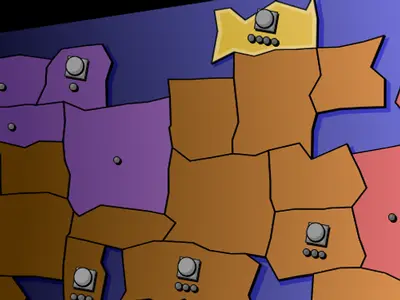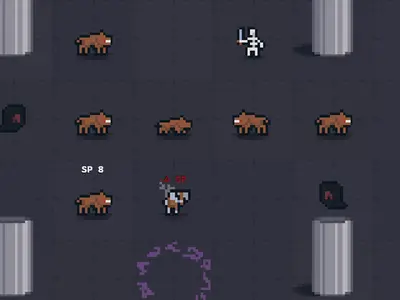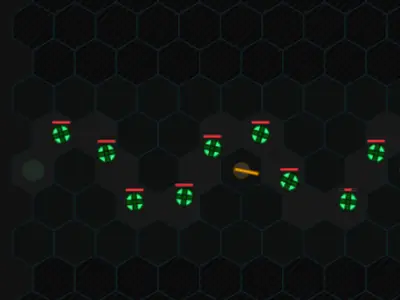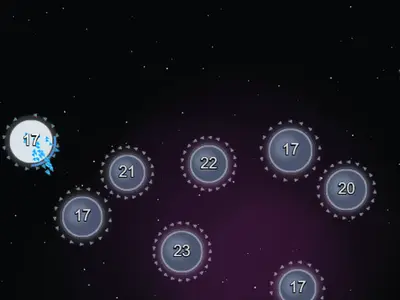
Every planet you own is a factory, and every ship counts. OrbitSwarm unblocked is a one-screen space strategy game where you and a computer rival race to take over a cluster of worlds by flinging streams of ships at them.
Frank Force built it for his open-source LittleJS Arcade. Matches tend to wrap up in a few minutes, which makes it a good fit for a short break.
How to play OrbitSwarm
You begin with one blue home planet, the rival has one red planet, and gray neutral planets sit in between. The title screen offers three difficulty levels. Numbers on your planets and the neutral ones show how many ships are there.
Press on one of your planets and drag to a target to launch ships. Half the fleet goes by default, but the number keys or the mouse wheel let you send a smaller or larger share. Each arriving ship knocks out one defender, and once the defenders run out the planet becomes yours.
Planets you own keep building ships, and bigger ones build faster and hold more. A ring shows how full each planet is, and a full planet stops building. Take every red planet to win, or lose when your last planet falls.
Controls
| To… | Keyboard | Mouse | Touch |
|---|---|---|---|
| Send a fleet | — | Press on your planet, drag to a target and release | Drag from your planet to a target |
| Set the share of ships sent | 1 = 10%, 2 = 25%, 3 = 50%, 4 = 100% | Scroll the wheel while dragging | — |
| Restart the match | R | — | — |
| Pause | Esc | — | — |
Tips
- Grab cheap neutrals early. Small, close planets with few defenders start paying you back right away.
- Bring a margin. Defenders keep growing while your ships are in flight, so send a bit more than the number you see.
- Move ships off full planets. A planet at its limit wastes production, so push extras forward.
- Counter after the rival attacks. A red planet that just launched a wave is left thin and easy to grab.
- Avoid emptying a planet. Sending every ship leaves it open for an easy recapture.
OrbitSwarm questions
Why are the red planet counts hidden?
Enemy counts are hidden. You have to guess the rival's strength from planet size and how often it attacks.
What changes on Hard?
The rival starts with more ships than you, acts faster and reads your strength perfectly. Easy uses a smaller map and gives you a big head start against a slower opponent.
Can I play on a touchscreen?
Yes. Drag from your planet to a target with your finger. Changing the share of ships sent uses the keyboard or mouse wheel, so touch sends the default amount.